
Women or Men, Then Size: Decode the Clog Selector
Start with the Women or Men selector, identify which current chart it changes, and then choose a size from 4–19. Comfy Air Sneaker also lists Black, Green, White, Yellow and Red, but colour should come after the chart path is clear.
What does “Women” or “Men” change?
The selector proves that two option labels exist; it does not, by itself, explain whether they change the size scale, shape or another product detail. Open the current chart after choosing the label and confirm that the measurements or conversion guidance shown are the ones you intend to use.
| Step | Record | Stop if |
|---|---|---|
| 1. Option | Women or Men | The page does not explain which chart applies |
| 2. Size | One label from 4 through 19 | Your measurement cannot be mapped confidently |
| 3. Colour | Black, Green, White, Yellow or Red | The cart changes another field unexpectedly |
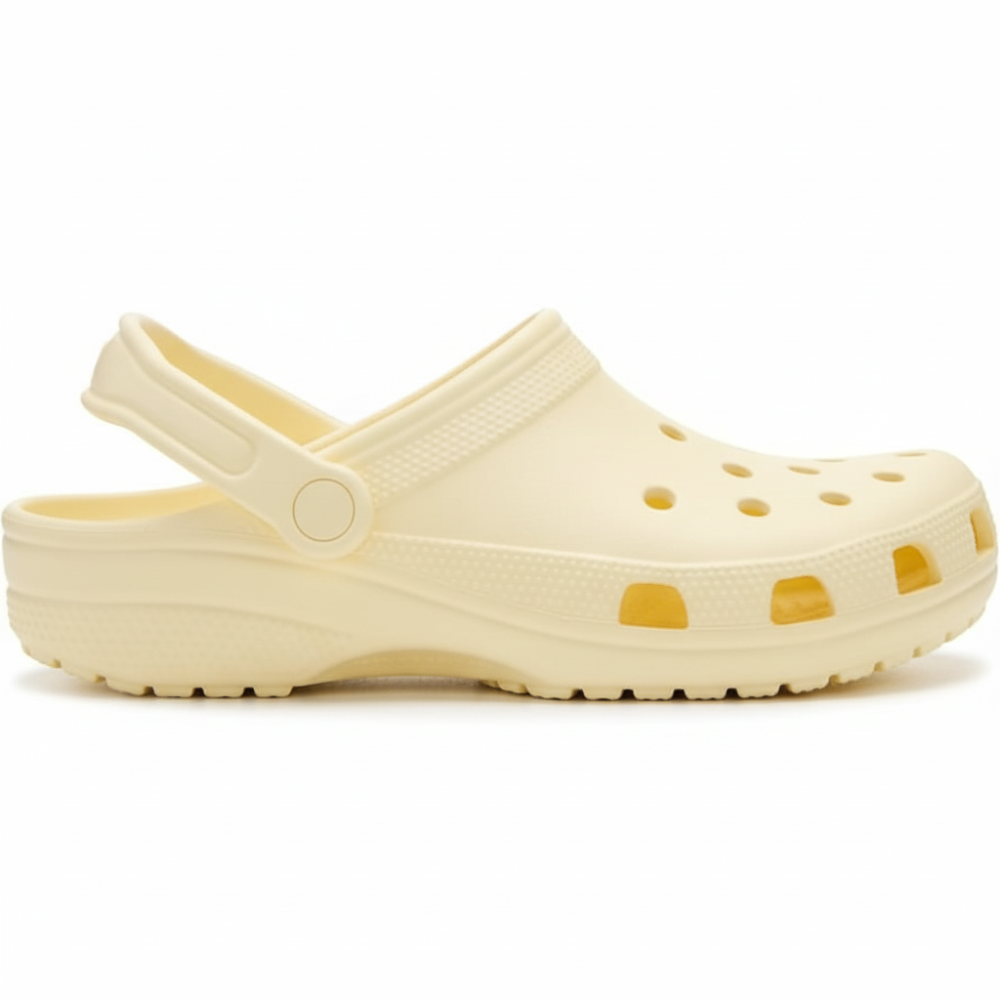
What can the yellow clog photo confirm?
The photo shows a closed toe with ventilation openings, an open heel and a strap that appears to pivot at the sides. It does not prove the selected colour label, fit, material, slip resistance or the position in which the strap should be worn. Those details need written product evidence.
If two people are ordering together, do not merge their notes because they chose the same colour. Keep a separate option label, chart reference and size for each wearer. This matters when the page exposes more than one sizing path under a single unisex product title.
How do you prevent size-scale mix-ups?
- Choose the Women/Men label first.
- Take a screenshot or note the chart heading that appears.
- Match the requested foot measurement to that chart.
- Add the selected numeric size to your note.
- Recheck the option label, size and colour together in the cart.
See the live Unisex Classic Clogs Comfortable Casual Shoes product page for the current selector and chart.